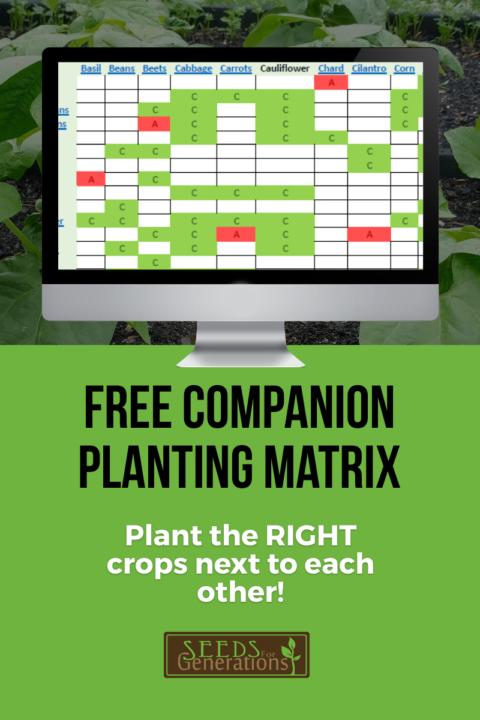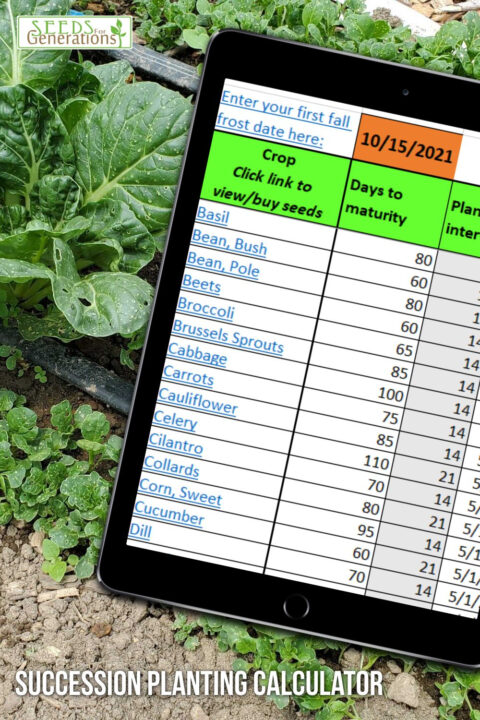
To get an early start on planting your garden, you need to do some good planning to calculate the dates to start seeds, both indoors for those crops that need an early start, and outdoors for those that are directly sown in the garden.
Here’s a brief video that covers the basic steps on planning your garden planting timeline, and an overview of the Garden Planning Calculator we’ve designed to make life a lot easier for you.
NOTE: This is an older video. We now offer two versions of the calculator: A basic free version here, as well as a paid premium version that is downloadable & contains more calculations!
Step 1: Determine Your Last Spring Frost Date
The most important date to know is your last spring frost date. This is the date when the risk of frost is low enough that you can safely plant most crops outdoors. Your planting schedule will be based on this date and the frost tolerance of different plants.
If you live in the United States, you can find accurate frost dates on the NOAA website. Simply select your state and locate your area in the frost probability tables. For example, in Anchorage, Alaska, the average last frost date is May 8th, based on a 50% chance of frost at 32°F.
If you live outside the US, look for a reliable local source to determine your last frost date.
Step 2: Find Planting Windows for Your Seeds
Next, check the seed packets or the manufacturer’s website for recommended planting times. These usually tell you how many weeks before or after your last frost date to plant each type of seed. Some plants are best started indoors early, while others can be directly sown outdoors after the frost date.
Step 3: Calculate Indoor Planting Dates
Certain crops need an early start indoors to get a jump on the season. Examples include basil and peppers, which require warm temperatures (around 80°F) for good germination. Plant these seeds inside trays or containers with sufficient light and warmth at the right time before your last frost date.
Step 4: Determine Transplanting Dates
Once seedlings have grown indoors, you’ll need to know when to transplant them outside. This date depends on how long the plants need to grow indoors and local frost conditions. For crops that are direct-sown, use their recommended outdoor planting dates.
Step 5: Transplant or Sow Seeds Outdoors
With all dates calculated, transplant your seedlings into the garden or sow seeds directly into prepared soil. Some crops like beans are best planted directly outdoors after the last frost.
Using a Garden Planning Calculator
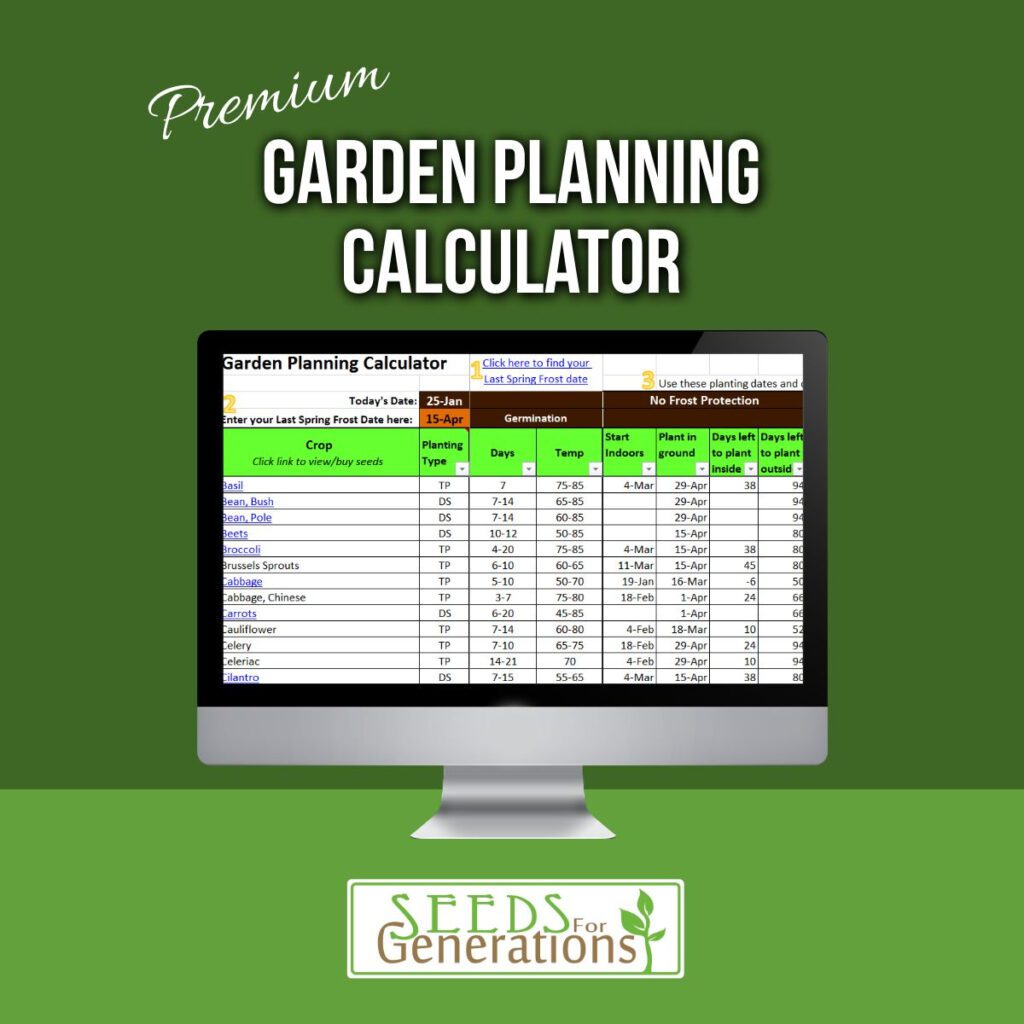
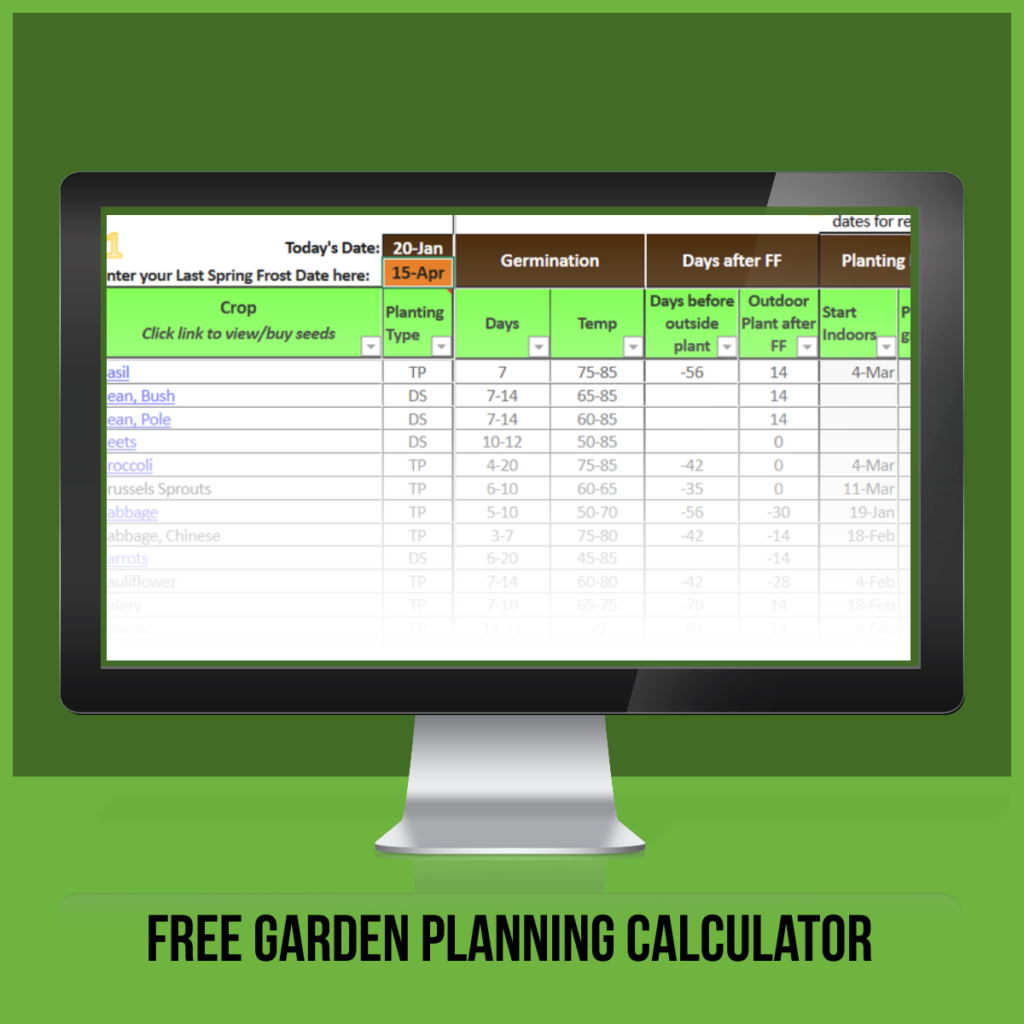
Planning all these dates manually can be complicated. To make it easier, we offer a Garden Planning Calculator that does all the math for you.
How It Works:
- Enter Your Last Frost Date: Input your last spring frost date (e.g., May 8 for Anchorage) into the calculator.
- View Planting Dates: The calculator automatically generates indoor seed starting dates, transplant dates, and direct sowing dates for various crops.
- Check Germination Requirements: It shows germination times and optimal temperature ranges so you know how much warmth each crop needs.
- Filter What You Can Plant Now: Easily filter crops by days left to plant so you know exactly what’s ready to start indoors or sow outside today.
- Adjust for Frost Protection: If you use row covers, mini greenhouses, or cold frames to protect plants from frost, you can adjust the calculator settings to plant earlier safely.
More Tips…
– Always protect tender plants from unexpected frosts by using covers or starting them indoors early.
– Use the calculator to stay organized and avoid planting too early or too late.
Planning your garden with these steps will give you a smoother, more productive growing season. Happy gardening!
Free Calculator
- 🌱46 crops
- 🌱Germination timelines & temps
- 🌱Start dates
- 🌱Transplant dates
- 🌱Harvest dates
- 🌱Free online access for anyone
Premium Calculator

- 🌱46 crops
- 🌱Germination timelines & temps
- 🌱Start dates WITH and WITHOUT frost protection
- 🌱Harvest dates WITH and WITHOUT frost protection
- 🌱Days left to plant
- 🌱Downloadable to anyone who purchases! Save to your own computer/device.